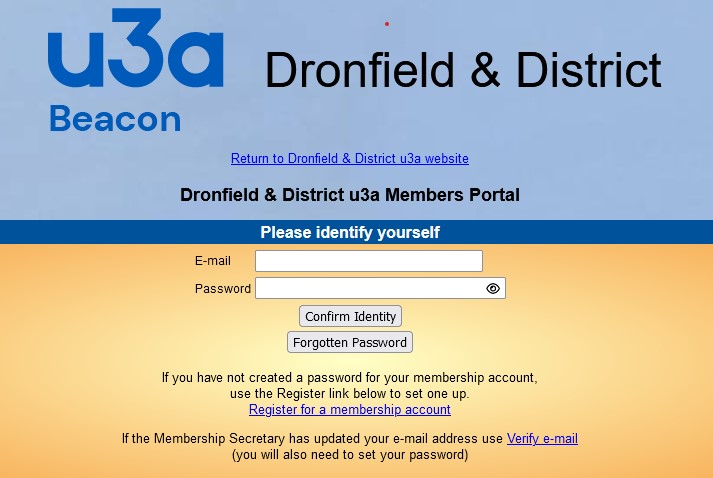
| You can use the Members' Portal to: | |
|---|---|
| Renew your membership. | Each time you log in to the Portal you are told when your membership expires. If you are due to renew, you are given the option to renew online. If you renew via the Portal you can choose to pay using either a debit or credit card or a PayPal account. |
| Check and update your personal contact details. | Update your address, home phone number, mobile telephone number, email address, and emergency contact information. |
| Request a replacement membership card. | We don't issue printed membership cards but you can request one to print at home. |
| View and/or download a personal calendar showing planned meetings of the groups you belong to. | Not all Coordinators add planned meetings to their groups' calendars. But if they do, they will appear on your personal calendar. |
| Join or leave a group, or be added to a group's waiting list, | Groups Coordinators decide whether or not to enable these functions. Some do, some don't. |
You need a membership account to use the Portal.
To see how to create one, read the Members' Portal User Guide. If you have problems creating your account, logging into, or using the Portal contact the Beacon System Administrator.